On this page
A hoop name like 4x4 or 5x7 describes the largest area the machine can stitch in that hoop. On Brother, Baby Lock and many other machines, 4x4 means 100 × 100 mm, 5x7 means 130 × 180 mm, 6x10 means 160 × 260 mm and 8x8 means 200 × 200 mm. Your design must fit inside that field, with a little room to spare.
What does a hoop size measure?
The embroidery field, not the frame. The number that matters is the area the needle can reach, not the size of the hoop's frame. Brother's Luminaire XP3 manual is explicit: "The actual embroidery area is smaller than the frame opening." Most manufacturers name or label hoops by their field, which is why Brother's accessory catalogue lists its 4x4 as "10 x 10 cm (~4" x 4")".
Two consequences follow. A design digitized at exactly 4.00 in (101.6 mm) is 1.6 mm too big for a 100 mm field. And to know whether a design fits, you compare its dimensions with the field, which is exactly what Brother's manual recommends. The embroidery file viewer shows any file's real size in mm and inches.
Embroidery hoop sizes chart
These are the most common fields and where you find them. Sizes are the stitchable field in millimetres, from the manufacturers' catalogues and manuals.
| Common name | Field (mm) | Field (inches) | Where you find it |
|---|---|---|---|
| 4x4 | 100 × 100 | 3.9 × 3.9 | Brother, Baby Lock, Janome (SQ10), Husqvarna Viking, Pfaff, Singer |
| 5x7 | 130 × 180 | 5.1 × 7.1 | Brother, Baby Lock, Husqvarna Viking, Pfaff |
| Janome SQ14 | 140 × 140 | 5.5 × 5.5 | Janome |
| Janome RE20 | 140 × 200 (RE20a: 170 × 200) | 5.5 × 7.9 | Janome |
| 6x10 | 160 × 260 | 6.3 × 10.2 | Brother, Baby Lock, bernette (L hoop) |
| 8x8 | 200 × 200 | 7.9 × 7.9 | Janome (SQ20), Husqvarna Viking and Pfaff quilter's hoops |
| 8x12 | 200 × 300 | 7.9 × 11.8 | Brother, Baby Lock |
| 9.5x9.5 | 240 × 240 | 9.4 × 9.4 | Brother quilt frame |
| 8x14 | 200 × 360 | 7.9 × 14.2 | Janome (RE36), Husqvarna Viking, Pfaff, Brother multi-needle |
| 9.5x14 | 240 × 360 | 9.4 × 14.2 | Brother |
| 10-5/8 x 16 | 272 × 408 | 10.7 × 16.1 | Brother Luminaire |
| 11-5/8 x 18-1/4 | 297 × 465 | 11.7 × 18.3 | Brother Aveneer, Baby Lock Radiance |
| 14x14 (jumbo) | 360 × 360 or 360 × 350 | about 14 × 14 | Brother multi-needle; Husqvarna Viking and Pfaff |
Inches are converted from the millimetre fields and rounded.
Hoops by machine brand
Brother and Baby Lock
Brother names its frames small, medium, large and extra large, but the words change meaning between machine families, so read the size, not the name. Brother writes sizes height first: "18 cm (H) × 13 cm (W)" is the 5x7.
- 4x4 machines such as the SE600 and SE700 come with a 10 × 10 cm frame.
- 5x7 machines such as the PE800 and PE900 come with an 18 × 13 cm frame.
- 6x10 machines such as the NQ1700E add a 26 × 16 cm frame.
- Large-field models go much further: the Stellaire XJ2 has a 36 × 24 cm frame, the Luminaire XP3 a 408 × 272 mm frame and the Aveneer EV1 a 465 × 297 mm frame.
- Multi-needle PR machines use frames named in millimetres, from the PRH100 (100 × 100) and PRH180 (180 × 130) up to the 360 × 360 mm jumbo frame. Their standard cap frame stitches an area of 130 × 60 mm.
Baby Lock uses the same field sizes under inch names: the Aurora's 4x4 hoop is "100mm x 100mm", the Flare and Vesta stitch 6¼ × 10¼ in, and the Radiance 11⅝ × 18¼ in.
Janome
Janome's hoop codes contain the field's longer side in centimetres (SQ for square, RE for rectangular), which makes them easy to decode. From Janome's own accessories catalogue:
| Hoop | Field (mm) | Notes |
|---|---|---|
| SQ10 | 100 × 100 | the 4x4 |
| SQ14 | 140 × 140 | |
| RE20 (b, d) | 140 × 200 | Janome's "5x7" class, bigger than 130 × 180 |
| RE20a | 170 × 200 | MC9850, MC9900, Skyline S9 |
| SQ20 | 200 × 200 | the 8x8 |
| RE28 | 200 × 280 | standard on the MC500E |
| RE36 | 200 × 360 | standard on the MC550E |
| RE46d | 280 × 460 | Continental M17 |
| M1 | 240 × 200 | MB-4S and MB-7 multi-needle |
BERNINA and bernette
BERNINA's hoops carry names rather than inch sizes, and its Medium hoop is much smaller than a 5x7. From the BERNINA accessories catalogue: Small 50 × 72 mm, Medium 100 × 130 mm, Large Oval 145 × 255 mm, Midi 265 × 165 mm, Maxi 400 × 210 mm, Jumbo 400 × 260 mm, and the three-position Mega hoop 150 × 400 mm. The Giant hoop (305 × 410 mm) is listed for the B 990 only.
The bernette b70 DECO and b79 come with three hoops: S 50 × 70 mm, M 120 × 180 mm and L 160 × 260 mm.
Husqvarna Viking and Pfaff
Both brands put the size in millimetres into the hoop's name, which removes most of the guesswork: a "5" x 7" Design Hoop 180 x 130 mm" from Husqvarna Viking, a "creative Metal Hoop 180 x 130 mm" from Pfaff. Their ranges run from 80 × 80 mm hoops, which Pfaff suggests for monograms, through 120 × 120, 240 × 150, 200 × 200 and 360 × 200 mm, up to 360 × 350 mm hoops such as Pfaff's Grand Dream Hoop. Singer sells its own 100 × 100 mm hoop; check your model's manual for its maximum field.
What happens if a design is bigger than the hoop?
The machine won't stitch it. Brother's SE600 manual states that the machine is compatible with patterns "up to a maximum of 10 cm × 10 cm". On Brother models, patterns that don't fit the selected frame appear shaded and can't be selected. Janome's MC550E won't let you select patterns larger than the selected hoop, and bernette's b70 shows an error suggesting you reduce the design, reposition it or attach a larger hoop.
Brother 5x7 machines do one helpful thing: a design wider than 18 × 13 cm in the other direction is rotated 90° when it is read, so a 180 mm wide design still loads in the 130 × 180 field. Anything larger than the field after rotating "cannot be used."
When a design is too large, you have four options:
- Choose a smaller version of the design. Natively digitized sizes are the cleanest solution.
- Resize slightly, within the small range a stitch file tolerates. The resizing guide explains why large changes fail.
- Use a split design. Software such as Brother's PE-DESIGN divides a large design into sections that you stitch one hooping at a time.
- Use a multi-position hoop such as Brother's 5x12 or BERNINA's Mega hoop, if your machine supports one.
How to choose a design size for your hoop
Pick the smallest hoop whose field is slightly larger than the design. Brother's beginner guide says to "always use the smallest embroidery frame possible that can accommodate your embroidery design," and Hatch explains why: a large hoop gives the fabric more room to move. Brother's PE800 manual adds that the frame should be "slightly larger than the pattern size."
Every design in our library comes in four sizes, measured on the longer side, and each one is digitized separately for its size. The 50 mm size is the default:
| Size | Longer side | Fits | Room to spare |
|---|---|---|---|
| XS | 50 mm | 4x4 (100 × 100 mm) and larger | about 25 mm on each side in a 4x4 |
| S | 70 mm | 4x4 (100 × 100 mm) and larger | about 15 mm on each side in a 4x4 |
| M | 95 mm | 4x4 (100 × 100 mm) and larger | about 2.5 mm on each side in a 4x4 |
| L | 125 mm | 5x7 (130 × 180 mm) in either orientation | fits Janome RE20 and 180 × 130 hoops too |
The 50 mm size also fits small hoops such as bernette's S hoop (50 × 70 mm), as long as the design's shorter side is no more than about 46 mm. Two hoops need care with L. On a bernette M hoop (120 × 180 mm), the design's shorter side must be 120 mm or less. On a BERNINA Medium hoop (100 × 130 mm), the shorter side must be 100 mm or less and the longer side must run along the 130 mm direction. The design page lists the exact width and height of each size.
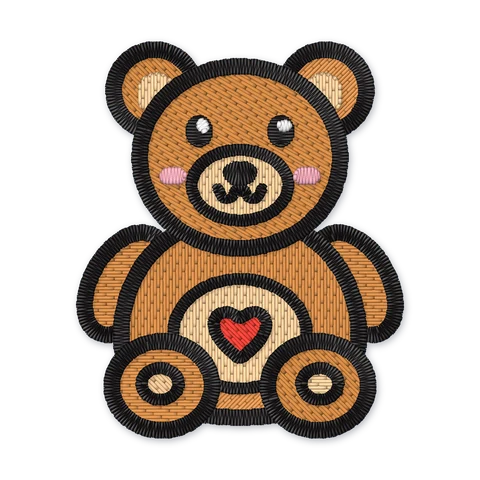
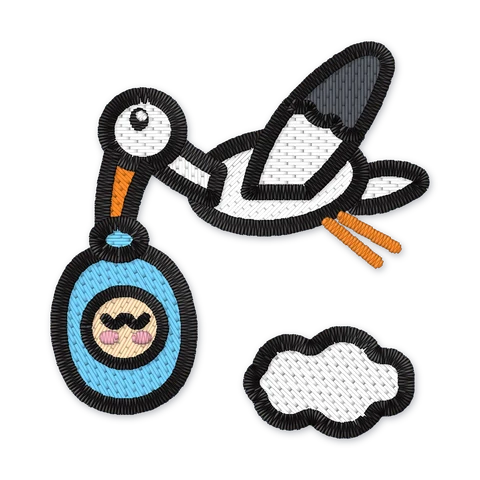
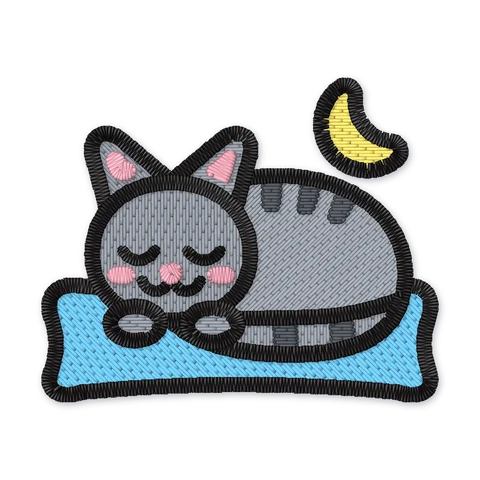
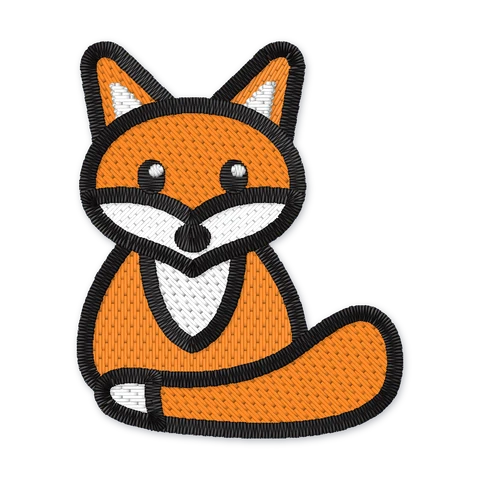
The item you are stitching narrows the choice further. Hatch notes that baby bibs, bodysuits, burp cloths and most chest logos suit a 4x4 hoop, which makes the 50, 70 and 95 mm sizes the usual picks for baby and kids' designs. T-shirt fronts, cushions and tote bags have room for L. For lettering, the monogram guide covers letter heights.
Designs sized for a 4x4 hoop
See all designs in Baby & kids- Free
- Premium
- Free

- Premium
- Free
- Premium

Hooping tips that prevent problems
- Cut fabric and stabilizer larger than the hoop. Brother suggests at least 5 cm extra all around.
- Hoop firmly but don't stretch the fabric. Taut like a drum, with the fabric's grain straight; knits are hooped relaxed. The stabilizer guide covers what goes underneath.
- Tighten the screws. On Brother multi-needle machines, loose thumb screws can make the machine detect the wrong frame size and misalign the pattern.
- Check orientation. Brother writes hoop sizes height first, other brands don't. Look at your design on the machine's screen before you stitch.
If your machine needs a particular file format for its designs, the file formats guide lists which brand reads which, and the beginner's guide walks through a first project from hooping to the last stitch.
Frequently asked questions
What size is a 4x4 embroidery hoop in mm?
Is a 5x7 hoop the same size on every machine?
Can I stitch a 5x7 design on a 4x4 machine?
Should I always use the biggest hoop my machine has?
Which design size should I download for my hoop?
Sources
- Accessories catalog (as of August 2025) — Brother (accessed Oct 2, 2026)
- SE600 operation manual — Brother (accessed Oct 2, 2026)
- PE800 operation manual — Brother (accessed Oct 2, 2026)
- Luminaire 3 XP3 embroidery manual — Brother (accessed Oct 2, 2026)
- PR optional frame guide — Brother Sewing Machines Europe (accessed Oct 2, 2026)
- Machine embroidery for beginners — Brother Sewing Machines Europe (accessed Oct 2, 2026)
- Accessories catalogue (hoop table) — Janome (accessed Oct 2, 2026)
- Memory Craft 550E instruction book — Janome Canada (accessed Oct 2, 2026)
- Accessories catalogue — BERNINA (accessed Oct 2, 2026)
- bernette b70 DECO user manual — bernette (accessed Oct 2, 2026)
- PFAFF embroidery hoops — SINGER (official store for PFAFF and HUSQVARNA VIKING) (accessed Oct 2, 2026)
- Aurora embroidery machine — Baby Lock (accessed Oct 2, 2026)
- 4x4 hoop: top 10 profitable embroidery design ideas — Hatch Embroidery (Wilcom) (accessed Oct 2, 2026)
- Select and display hoops — Hatch Embroidery (Wilcom) (accessed Oct 2, 2026)
About the author
Magnus Madsen · Founder of Embroidly
Magnus Madsen is the founder of Embroidly. He built the digitizing engine behind the library, the system that turns each drawing into machine files with layered satin outlines, hidden travel and an automatic quality report, and he checks designs in professional digitizing software and test-sews them on real fabric. The guides on Embroidly are researched against manufacturers' own documentation and edited by him.
Designs to try
Related guides
- Can you resize embroidery designs? Why native sizes beat scalingHow far you can scale an embroidery file before it sews badly, what happens to density and stitch length, and why designs digitized per size sew better.
- Embroidery stabilizer guide: tear-away, cut-away, wash-away and toppingsTear-away, cut-away, wash-away, heat-away and toppings explained, with a fabric-by-fabric stabilizer chart built from manufacturers' own recommendations.
- Embroidery file formats explained: which format your machine usesPES, DST, JEF, EXP, VP3, XXX, U01 and HUS explained: what each format stores, which machine brands read which, and how to convert without surprises.
- Machine embroidery for beginners: the complete starter guideHow machine embroidery works, which machine type you need, the supplies that matter and a first project step by step, with the mistakes to avoid.